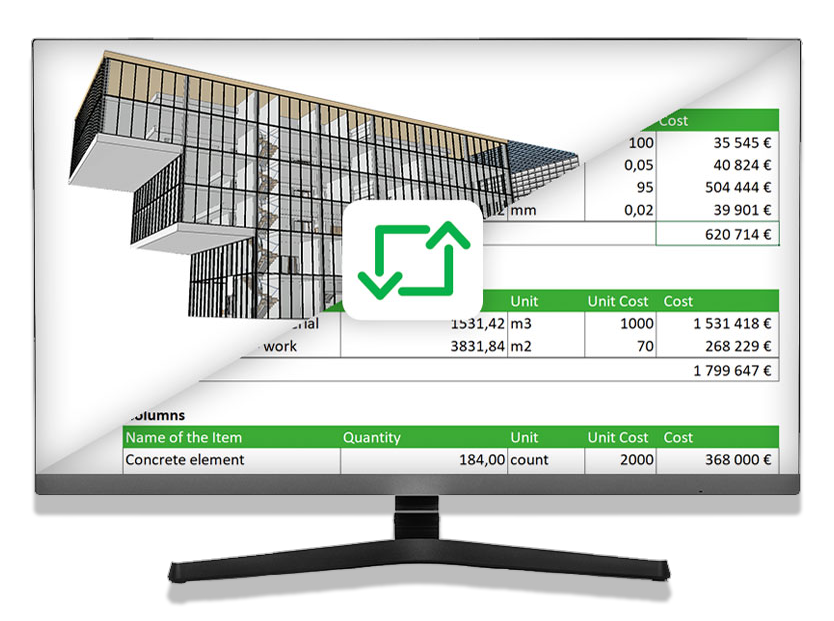

Excel ↔ IFC · simplebim® module

Bimsheet™

Connect your Excel calculations to BIM

Your Excel calculations already create value. Link them directly to BIM data to produce quantity take-offs (QTO), bills of quantities (BOQ) and bills of materials (BOM) faster and more reliably.

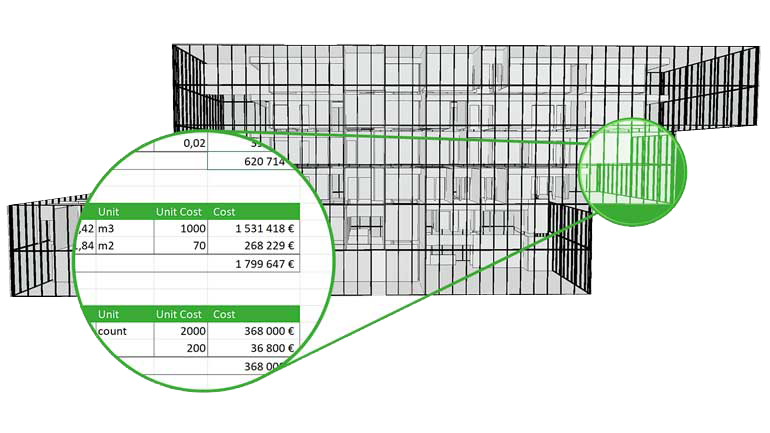
Bimsheet links a 3D building model to quantities and cost calculations in Excel

Discover Bimsheet™

One minute to understand it

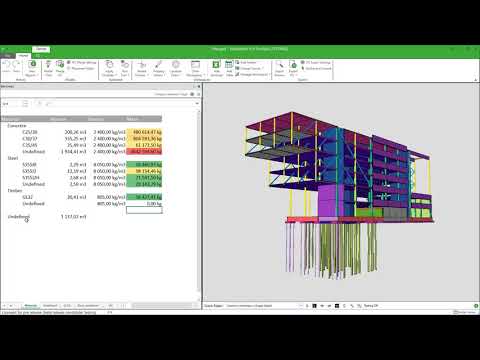
Discover the connection between Excel and the BIM model in this introduction from the vendor.

Bimsheet™ — IntroductionWatch on YouTube

The videos are in English. The YouTube player only loads on request; playback establishes a connection with YouTube.

A two-way link

Extract, check, enrich: your models and your calculations work together.

01 / From the IFC model to Excel

Extract and export BIM data

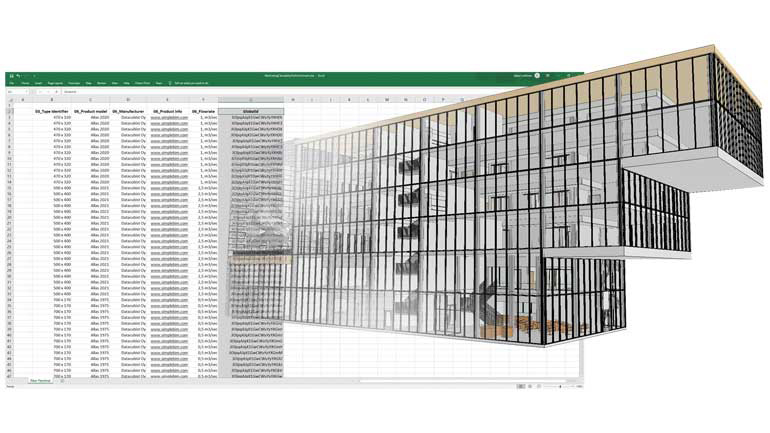
Bimsheet™ is the simplest way to extract data from IFC models into Excel. A simple drag and drop connects your calculation to the model: the spreadsheet fills in automatically with data from your model.

Once created, the same Bimsheet can be reused during model updates, and even on other projects.
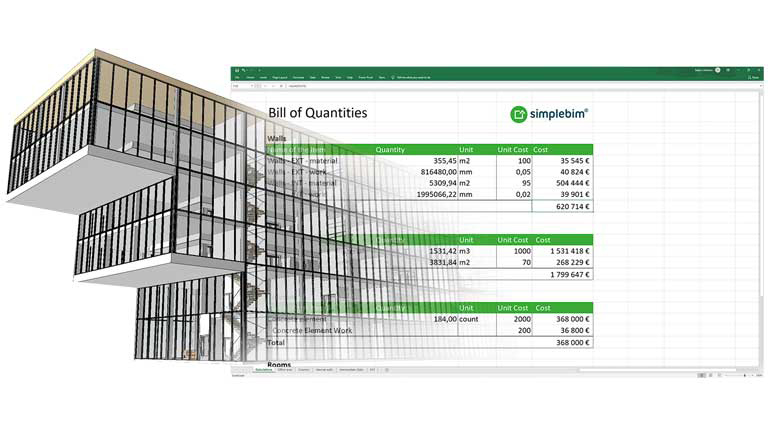
Extracting data from a BIM model into an Excel sheet with Bimsheet

02 / Your results, straight in 3D

Visualise and check your calculations

Click a cell in your calculation to see the results in the model. The relationship between the spreadsheet and the BIM objects makes checking your calculations more direct, more efficient and more visual.

Link your quantities and results to elements in the model, without leaving your working environment.

3D visualisation of the BIM objects linked to the results of an Excel calculation

03 / From Excel to the IFC model

Import data from Excel into BIM

Collect and enter your data in an Excel sheet, then import and merge it into your model with Bimsheet. This does not require a complex and costly model-creation tool.

View the data in simplebim® or export it to IFC for later use.

Importing and merging Excel data into an IFC model with Bimsheet
"If you can use Excel, you can use Bimsheet™."

Open and familiar

Keep your existing Excel sheets and calculations. Quantities, spatial programme validation, progress tracking, bill of materials or scheduling: build familiar business interfaces to make the most of BIM.

Powerful and smart

Speed up your calculations, make your results more reliable and share compelling visualisations. Bimsheet connects the value of your Excel calculations with that of your model data.

Reusable across your projects

Bimsheet™ runs inside simplebim®. Its processing and automation tools let you adapt IFC models to your calculations, project after project.

Real-world uses for your trades

Quantity take-off, materials, space checking and project tracking: explore the use cases proposed by the vendor.

Bimsheet™ — Use casesWatch on YouTube

Five steps to get started

  1. 1

    Get the free trial and install simplebim®.

  2. 2

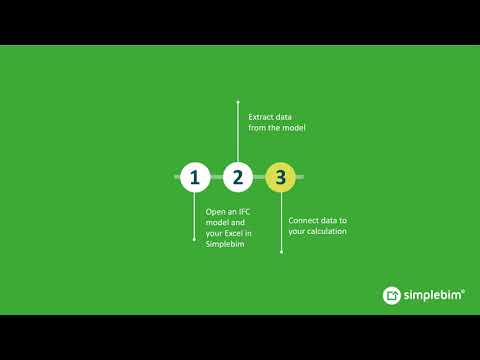
    Open an IFC model in simplebim® and your existing Excel calculation in the Bimsheet™ palette.

  3. 3

    Extract data from the model and connect it to your calculation.

  4. 4

    Visualise and check your calculation results in 3D.

  5. 5

    Save to Excel for further processing, then reuse your Bimsheet.

Bimsheet™ — Getting startedWatch on YouTube

Presentation and illustrations: simplebim® France. Videos: the vendor's simplebim channel.

Discover Bimsheet on your IFC models

30-minute demo, quote or question: reply within 2 working days.

Your data is used only to answer your request. See our privacy policy.